





Stop Wasting Time on Your Phone Workbook: Break the Scrolling Habit and Take Back Your Attention
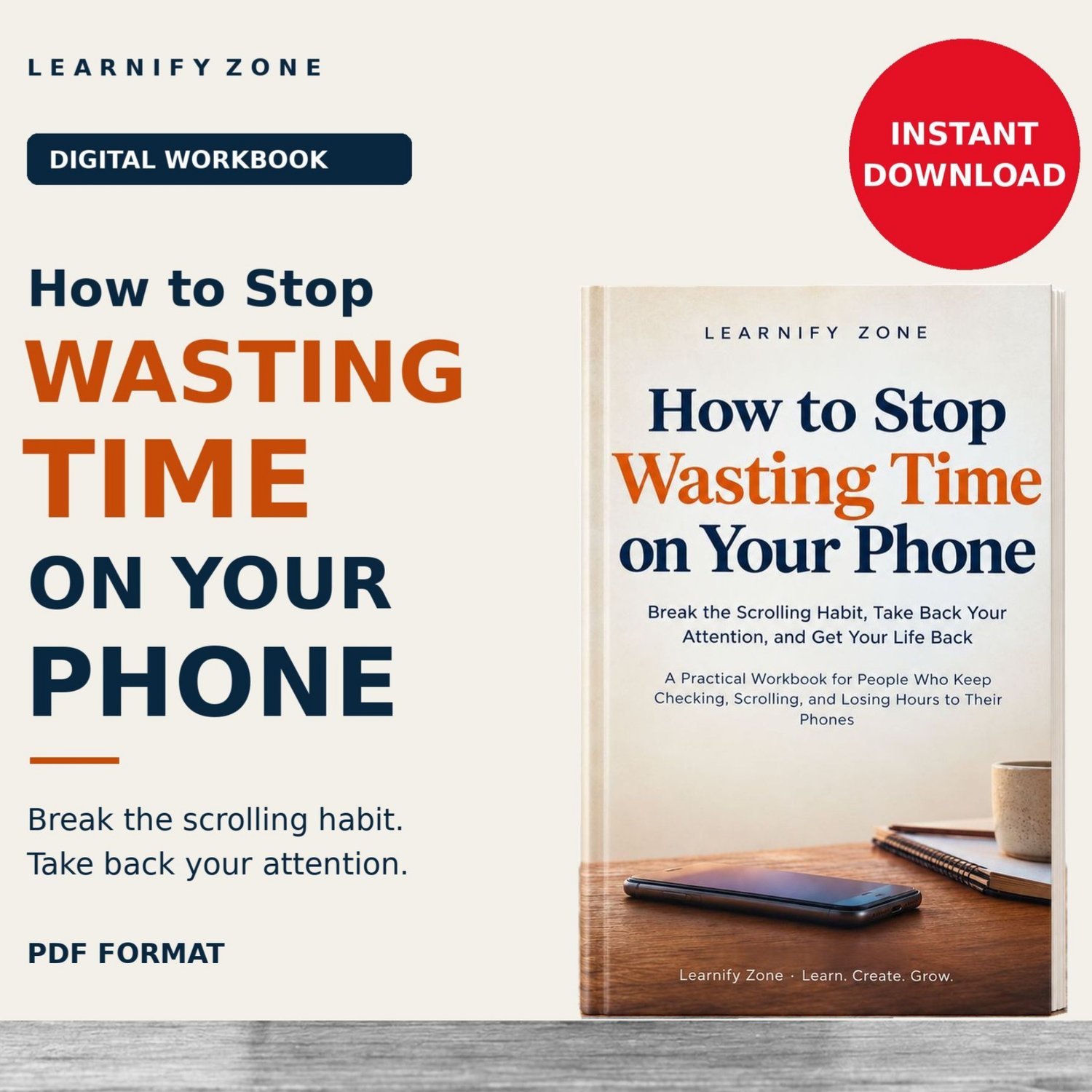
This printable workbook helps you see where the time goes, find what sets off the automatic reach, and change a few things so the phone goes back to being a tool.
It is in your hand before you have decided anything. In the queue, at the desk, in bed, in the two minutes while the kettle boils. Most of those checks are not choices. They are a habit running on its own, and a habit does not respond well to guilt.
Most advice at this point says to delete everything or to have more willpower. This workbook does something more useful.
It has you look at your own phone use for three days, name your own triggers, and then make the unwanted checks slightly harder and the things you care about slightly easier. You write in it. By the end you have a plan in your own words.
THE NINE PARTS
- Understand why you keep reaching for your phone: the checking loop and your top five triggers.
- See where your time is actually going: a three-day audit, then keep, reduce, replace or remove.
- Break the automatic checking habit: friction, notifications, phone settings and a purpose before you unlock.
- Deal with the moments that make you reach for it: boredom, avoidance and the pause.
- Reclaim your attention: a phone-free block, a focus block, an evening boundary and the last 30 minutes before bed.
- Deal with social media and short-form video: a scroll audit and your own five phone rules.
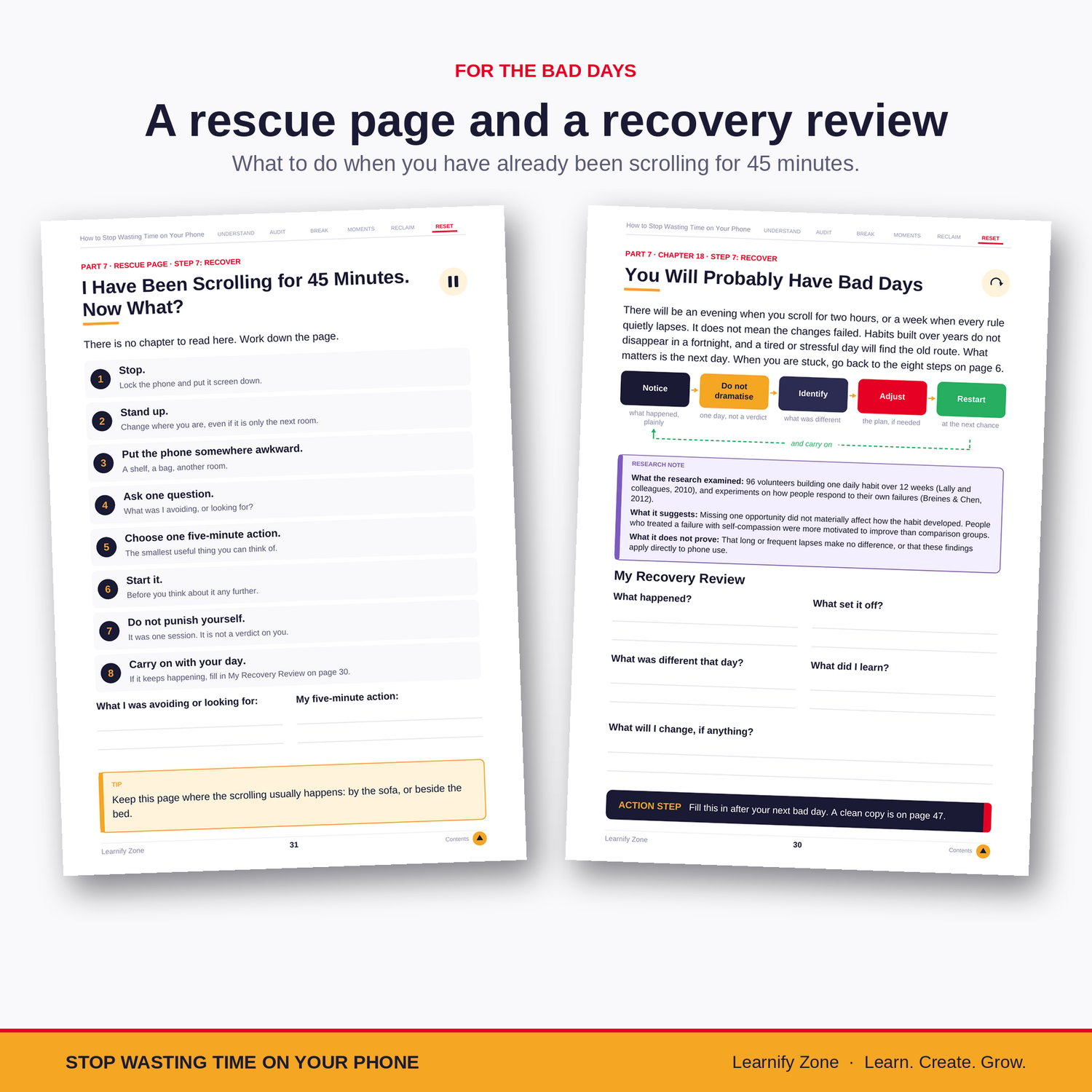
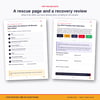
- What to do when you slip: a rescue page, a recovery review and if-then plans.
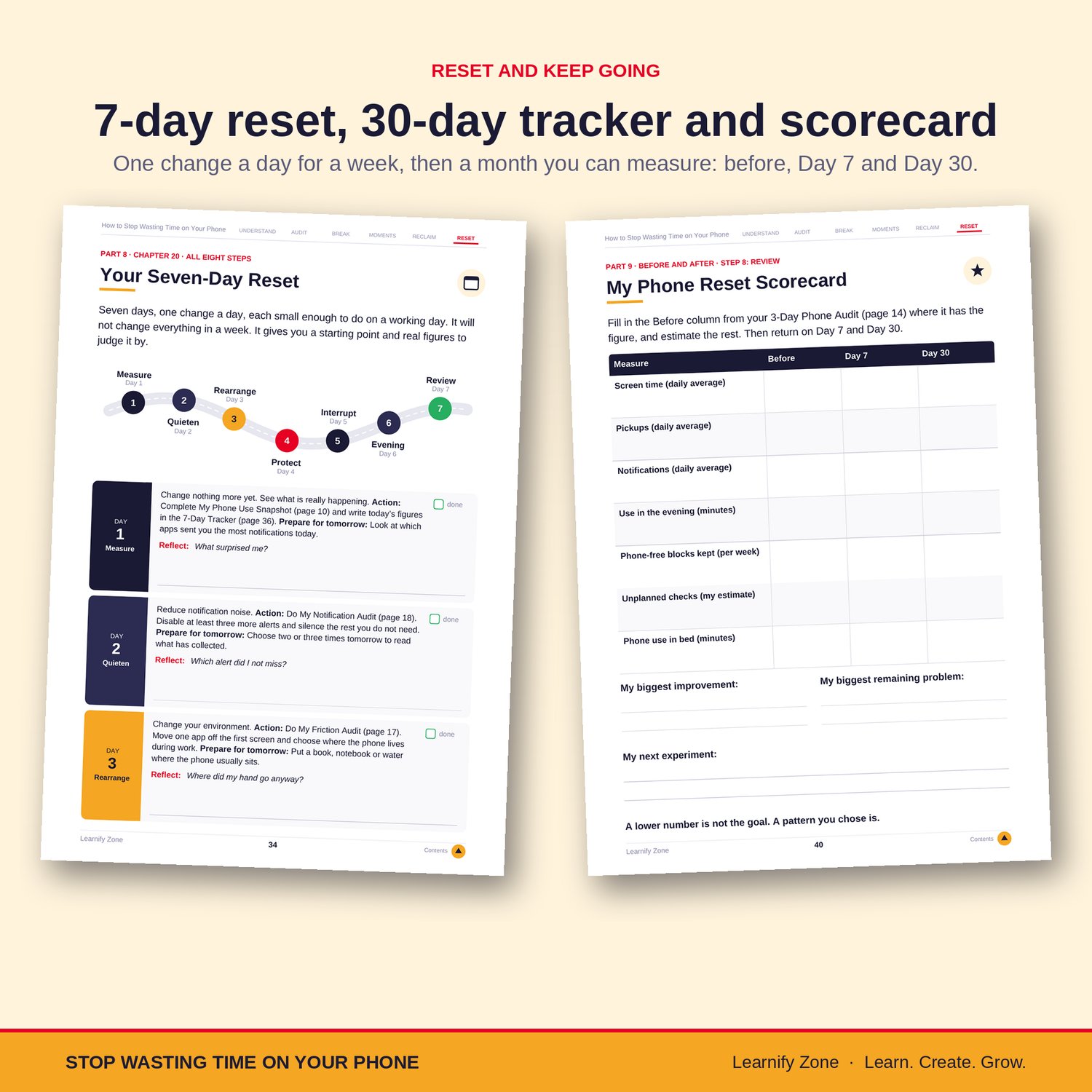
- The 7-Day Phone Reset, with a tracker.
- Your 30-day plan, with a tracker, weekly reviews and a scorecard.
WHAT'S INSIDE THE 52 PAGES
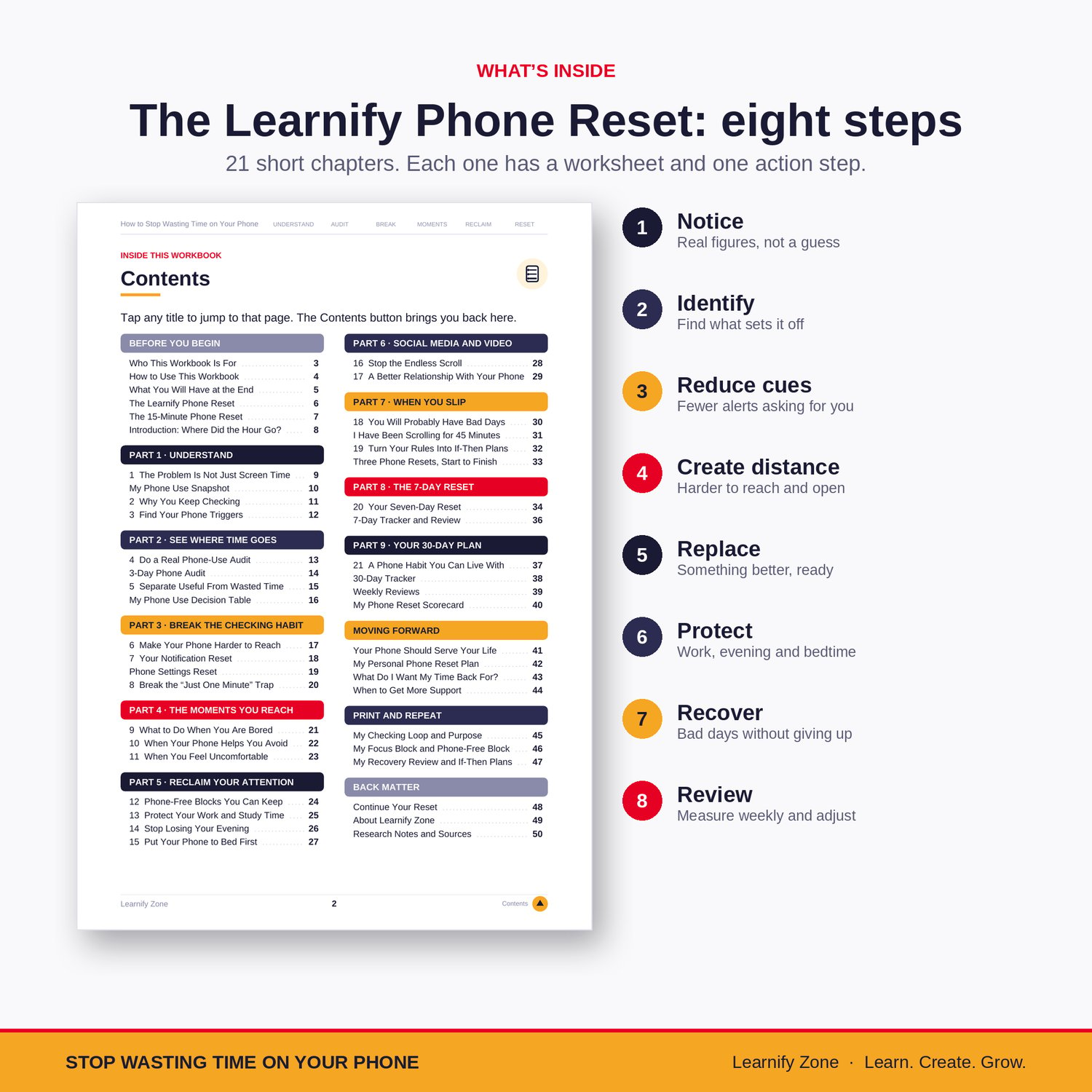
• Clickable contents and a "Where to start" page finder
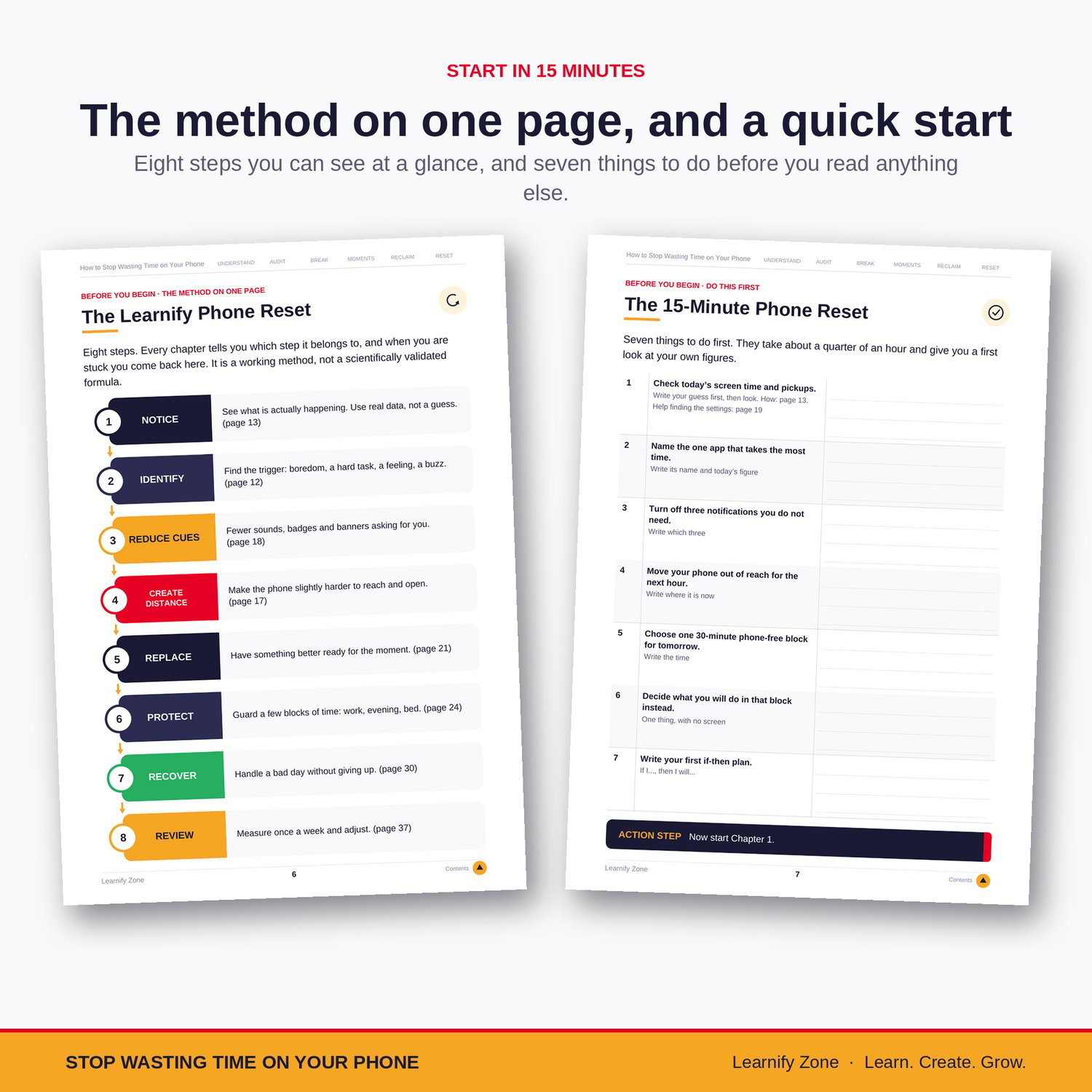
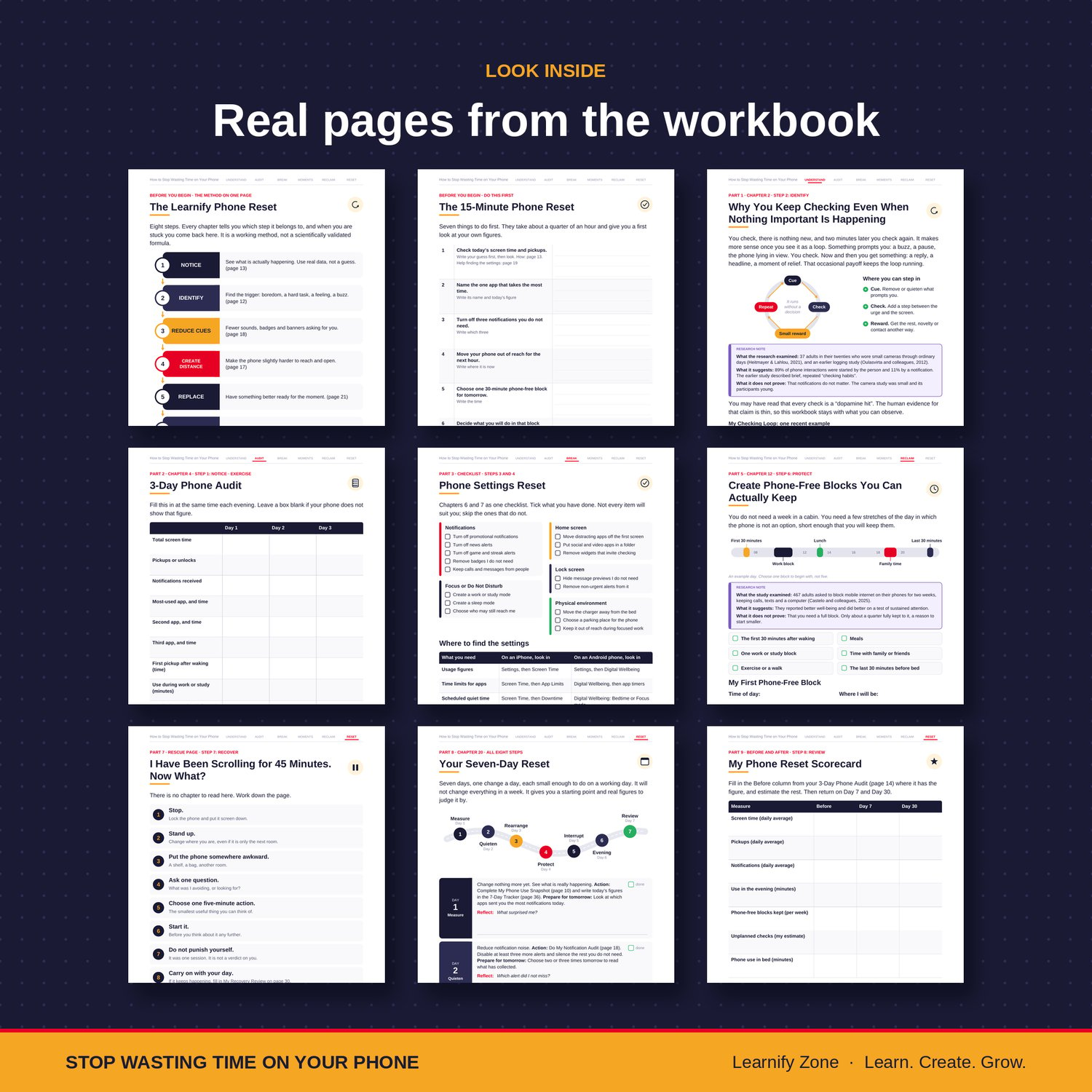
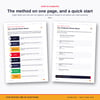
• The Learnify Phone Reset: the eight-step method on one page
• The 15-Minute Phone Reset: seven things to do first
• An outcome checklist: twelve things you will have at the end
• 21 short chapters, each with a worksheet and one action step
• My Phone Use Snapshot and a 3-Day Phone Audit
• My Checking Loop and My Top Five Phone Triggers
• Keep, Reduce, Replace or Remove decision table, and Apps I Will Change
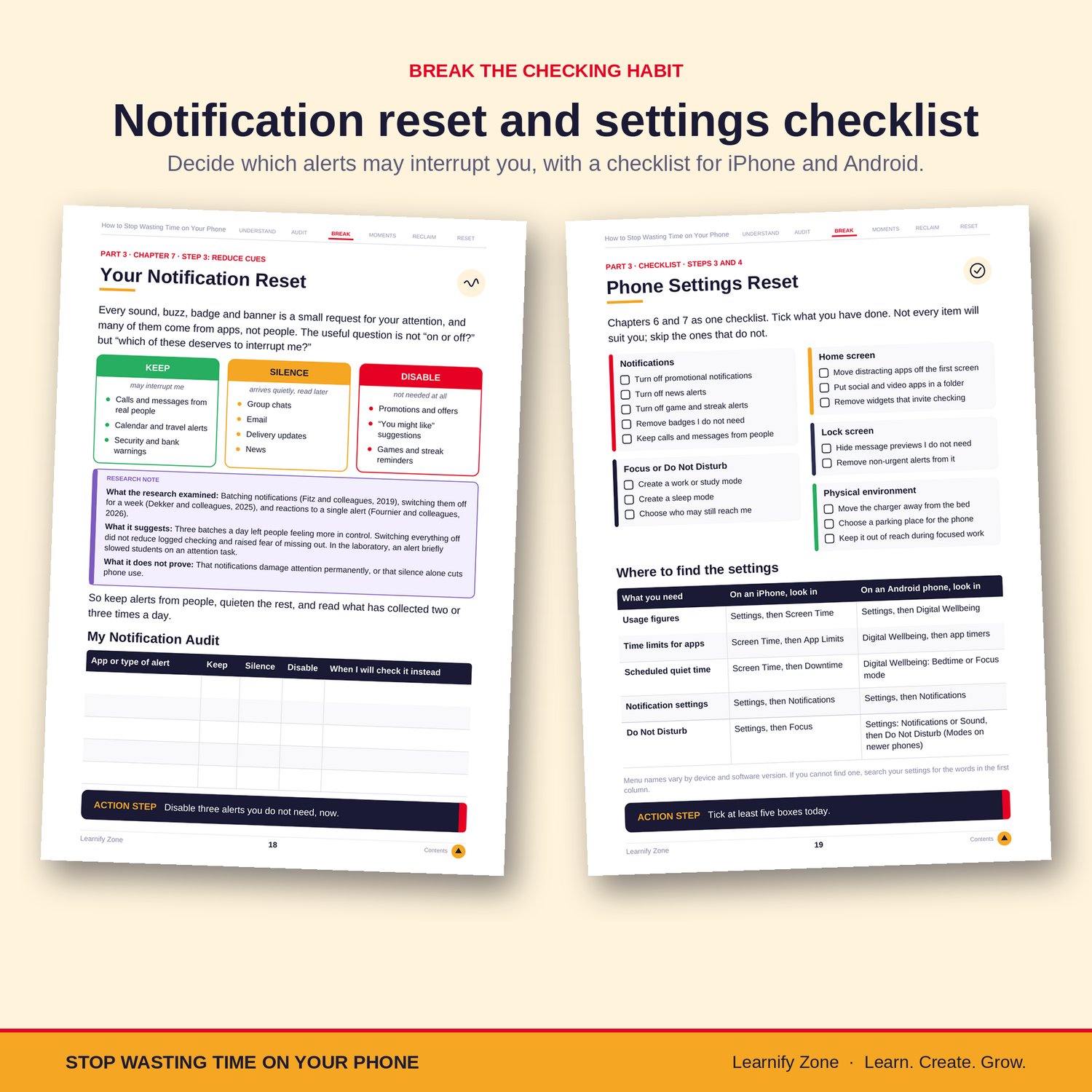
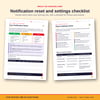
• Friction Audit and Notification Audit
• Phone Settings Reset checklist, with where to look on iPhone and Android
• Purpose Before Unlocking practice
• No-Phone Boredom Menu, What Am I Avoiding? and My Pause Practice
• Phone-free block, Focus Block Plan, Evening Phone Boundary and My Last 30 Minutes
• My Scroll Audit and My Five Personal Phone Rules
• A rescue page: "I have been scrolling for 45 minutes. Now what?"
• Recovery Review and If-Then Plans
• Three worked examples: a student, an office worker and a parent
• The 7-Day Phone Reset with a tracker
• A 30-day plan, 30-Day Tracker, weekly reviews and a before and after scorecard
• My Personal Phone Reset Plan and a final reflection
• When to Get More Support
• Print-and-repeat pages
• Research notes and sources
GOOD FOR MOMENTS LIKE
You unlock your phone and cannot remember why. You sit down to work and end up on a feed. One video becomes forty minutes. You check it first thing in the morning and last thing at night. You have tried deleting apps and reinstalled them a week later. You want your evenings back but you still need your phone for work and family.
WHAT MAKES IT DIFFERENT
• It is not against phones. Useful, chosen phone time stays. The target is the automatic part.
• It starts with your own numbers. You audit three real days before you change anything, so the plan fits your phone use and not an average.
• It changes the setting, not only the person. Notifications, the home screen and where the phone sits get as much attention as willpower.
• It plans for the slip. There is a page for the middle of a long scroll and a review for the day after.
• It is careful with research. The ideas draw on published studies of phone use, notifications, habits and planning. Each research note says what the study found and what it does not prove, and every source is listed at the back.
• It does not scare you. No "dopamine" stories, no claim that phones cause illness, and no promise of hours back every day. Where the evidence is mixed, it says so.
FILES YOU GET
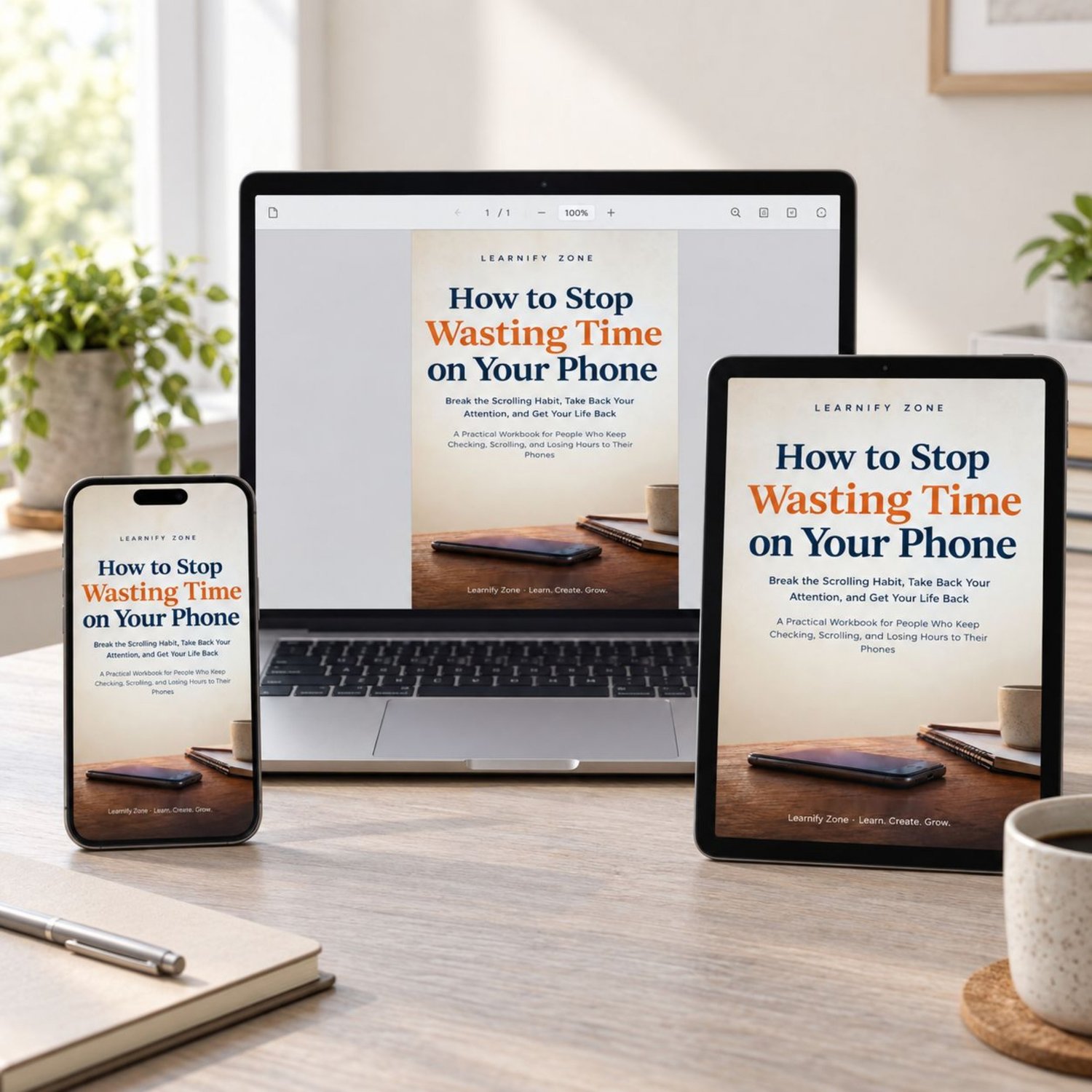
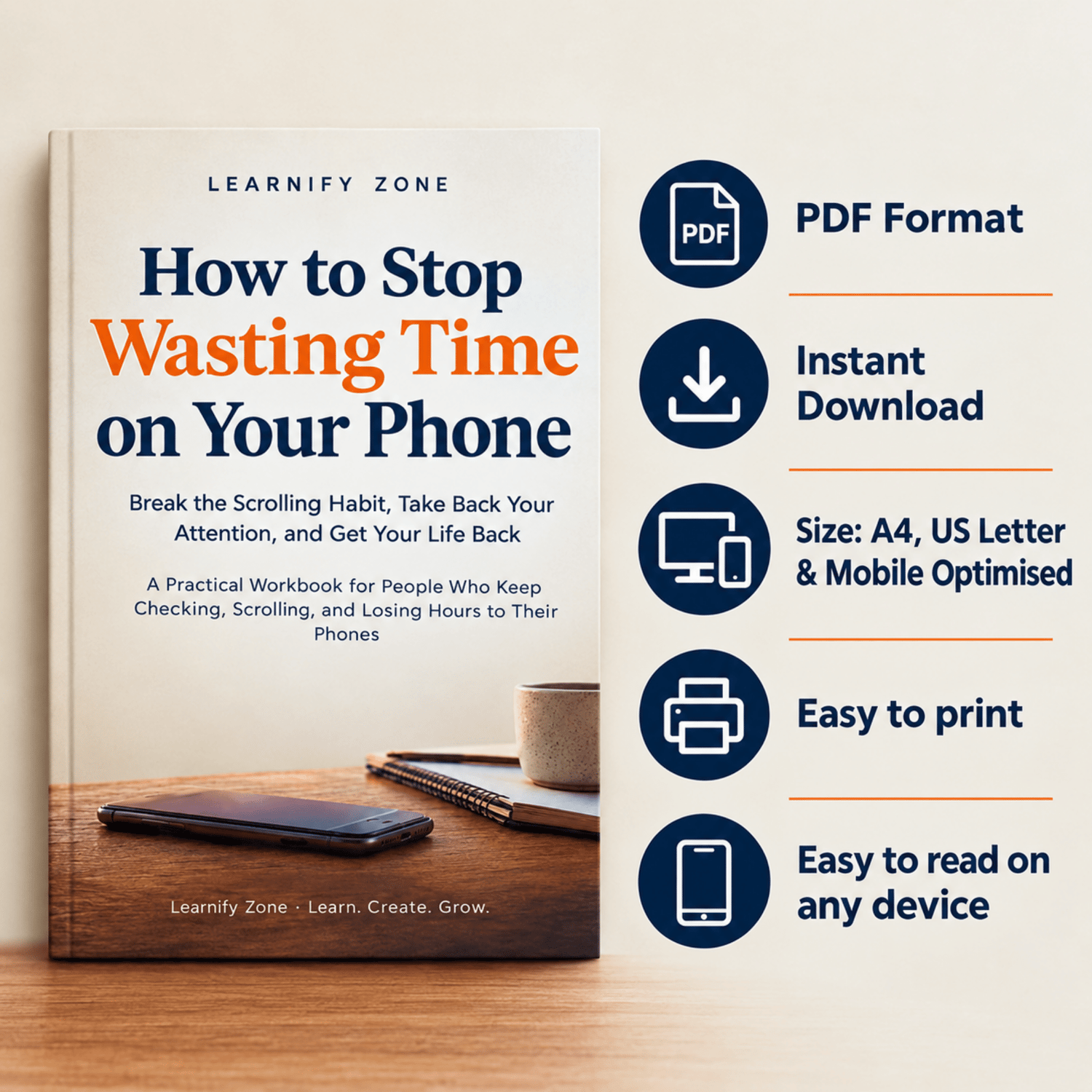
• A4 PDF, 52 pages
• US Letter PDF, 52 pages
• Mobile PDF, 52 pages, 9:16, for your phone
Each has clickable contents and a Contents button on every page after the cover.
QUESTIONS
Who is it for?
Adults who pick up their phone without deciding to: students, office and remote workers, parents, freelancers, and anyone who loses time to checking and scrolling.
Do I have to give up my phone or delete social media?
No. You decide what to keep, reduce, replace or remove. Many people keep most of their apps and change how and when they open them.
Does it work on iPhone and Android?
Yes. The Phone Settings Reset page shows where to look on both. Menu names vary by device and software version.
Do I print it or use it on screen?
Either. Print the whole workbook or only the worksheets, or open it in a PDF annotation app and write on the pages.
How long does it take?
The 15-Minute Phone Reset takes about fifteen minutes. After that, a chapter a day works well, followed by the 7-Day Phone Reset and the 30-day plan.
Does it guarantee less screen time?
No. It helps you see where the time goes, remove the easiest triggers and come back sooner after a slip. Results depend on you and your circumstances.
Is it medical or psychological advice?
No. It is an educational, personal-development workbook. It does not diagnose or treat smartphone addiction, ADHD, anxiety, depression, insomnia or any other condition. If your phone use is causing serious problems or distress, please speak to a doctor or qualified professional.
Are the people in the examples real?
No. They are illustrations written for the workbook.
Can I share the files?
The files are for your personal use. Please do not share or resell them.
Please note:
This is a Digital product only.
No physical item will be shipped or delivered.
Learnify Zone
Learn. Create. Grow.
All products are digital downloads, delivered instantly, so all sales are final. If a file is faulty or does not match its description, email tiwarib1223@gmail.com and I will fix or replace it. This does not affect your statutory rights.